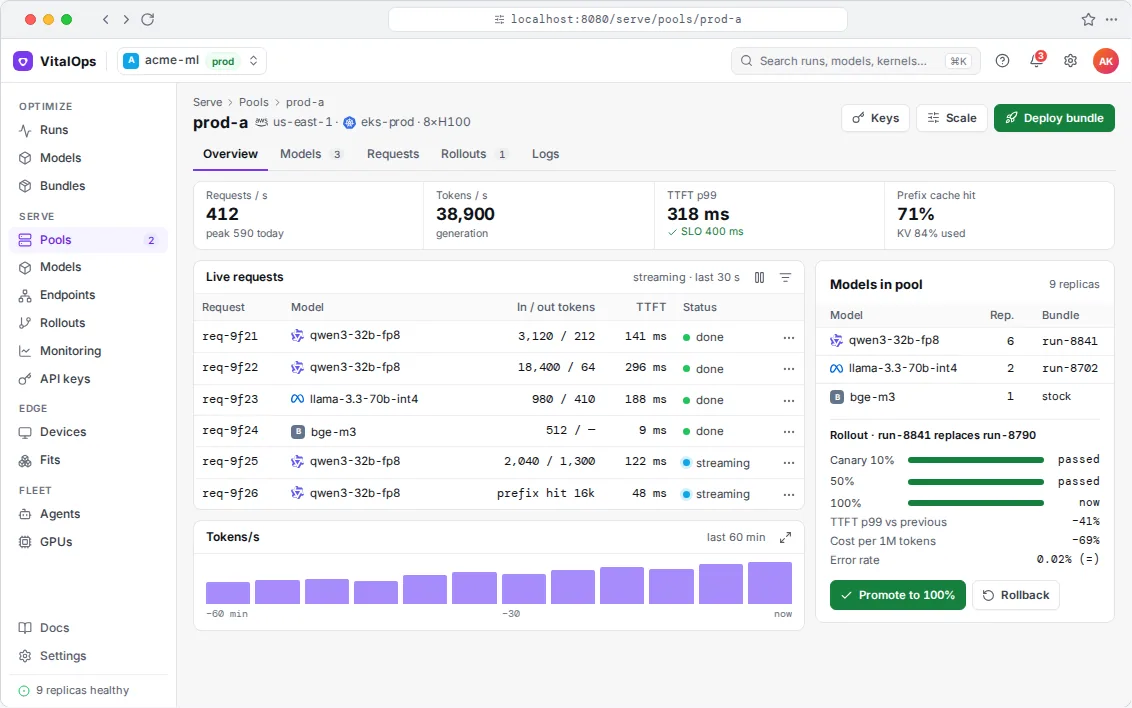
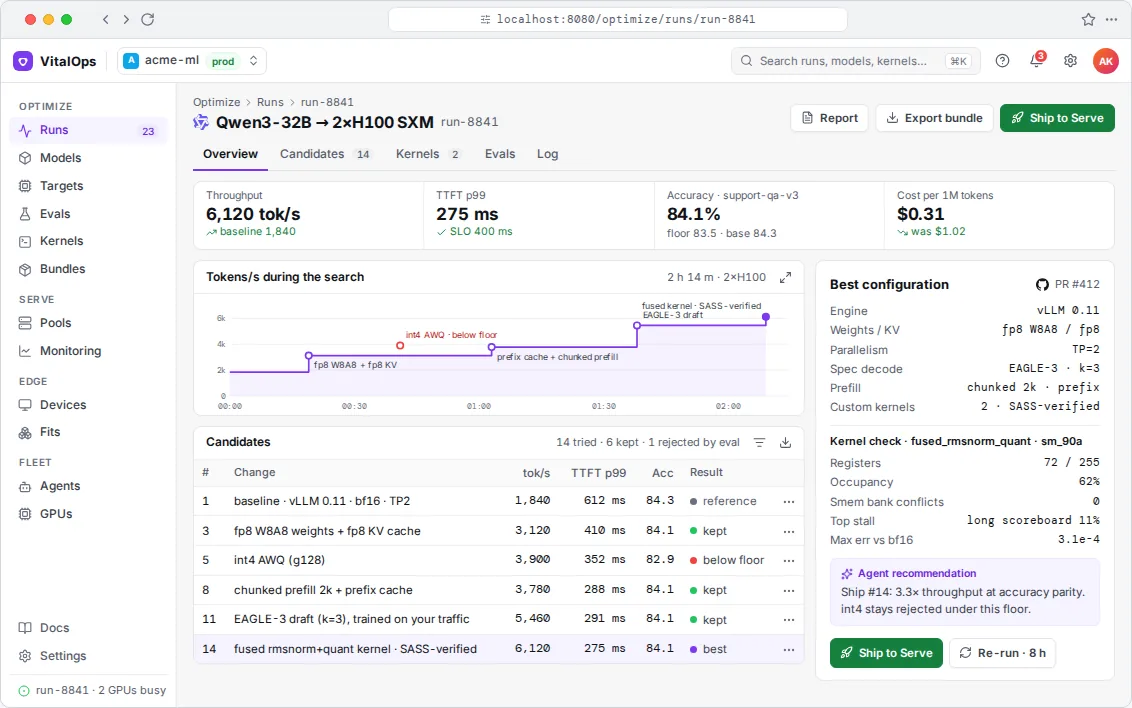
Agent workloads behave differently from chat. Agents share long prompts, start sub-agents in bursts and sit idle while tools run. Fleet schedules agents across your GPUs, sends requests to GPUs that already have their prompt cached, and frees an agent's slot while it waits on a tool.
See each GPU with its agents, utilisation and KV-cache use, the scheduler's decisions as they happen, and a capacity check that estimates when you would miss the latency target.
More agents per GPU, because cached prompts are reused.
Scaling is a single setting.
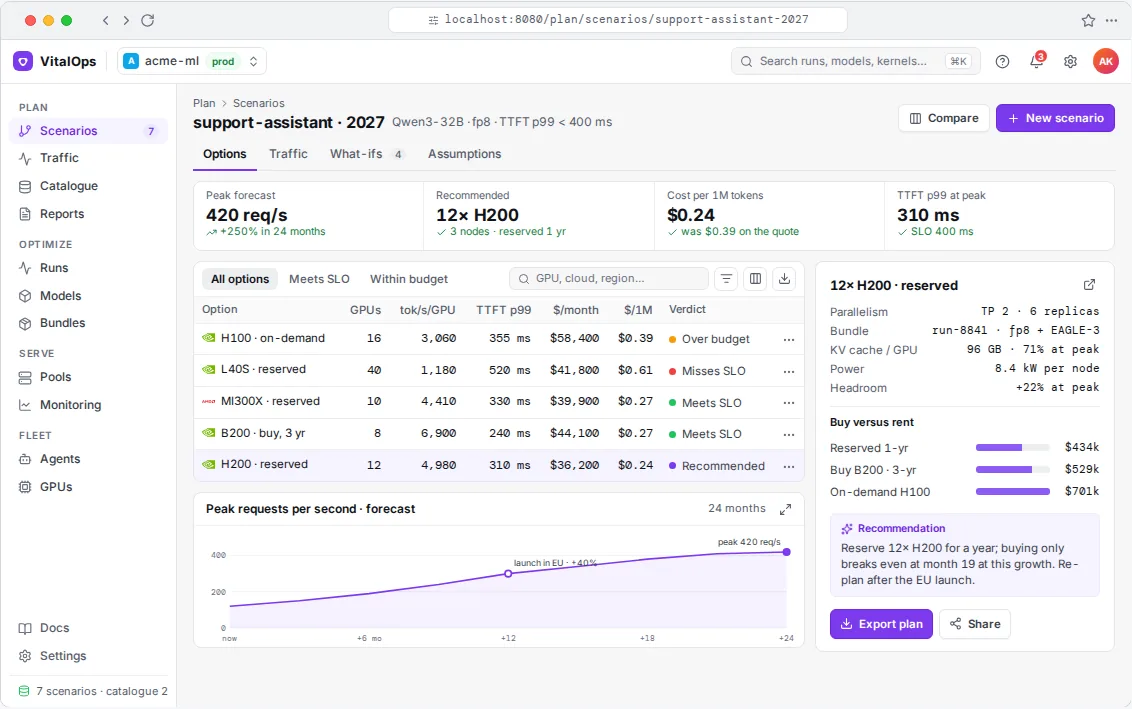
A clear estimate of how many agents your cluster can handle.
With the Agents traffic preset and prefix caching on, shared system prompts and tool definitions are no longer recomputed on every call; the queue and time to first token show the difference.
Features
What's included
Prefix-aware routing
Requests go to the GPU that already has their prompt prefix cached, so a burst of sub-agents doesn't recompute the same 20k tokens sixteen times.
Pausing during tool calls
While an agent waits on a tool, its slot is given to another agent and its KV cache is kept in memory or offloaded.
Budgets and policies
Set GPU budgets, priorities and quotas per team. The scheduler enforces them.
Works with
Claude Agent SDK, OpenAI Agents, LangGraph, or your own loop · Kubernetes and Slurm · air-gapped by default.
No. Your agents keep using their framework and call an OpenAI-compatible endpoint. Fleet schedules the inference behind it.
Which models can the agents use?
Any open-weight model Serve runs, including several at once with per-model pools.
Get started
Tell us what you need the model to do
Send us the model, the hardware and your target, whether that's tokens per second, latency, memory or cost. In a 30-minute call we'll tell you whether we think it's doable and roughly what it would take.